Maker online editor
String Art Generator
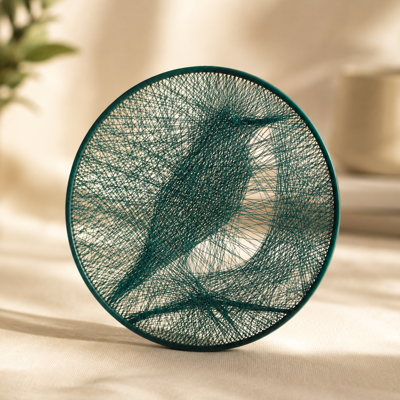
Upload an image, configure anchors and line density, preview the generated route, and export a frame, line geometry, or supported G-code.

InputPNG · JPG · WEBP
ExportSTL · G-Code
Access5.00 RUB / 24 hours
Best suited for
- Photo-based string art
- Decorative wall pieces
- Experiments with layered line paths
Editor capabilities
- Image-based route generation
- Adjustable anchor and line counts
- Frame and physical line preview
- Supported geometry and G-code exports
From input to a finished model
-
01
Enter the source data
Upload a supported file or configure the initial parameters.
-
02
Adjust the model
Tune dimensions and editor-specific settings while checking the 3D preview.
-
03
Validate the result
Check dimensions, printability, material, and output settings.
-
04
Export
Download a supported format and complete preparation in your slicer when needed.
Things to consider
- Complex images may need contrast adjustment.
- Verify G-code for your specific printer.
- Run a supervised small test before a full print.
How source data is processed
Image processing and preview run in the browser. Server-generated G-code uses the selected printer profile.
Need help with the settings?
The guide covers editor settings and preparing the result for export.
Description updated: 2026-10-17