
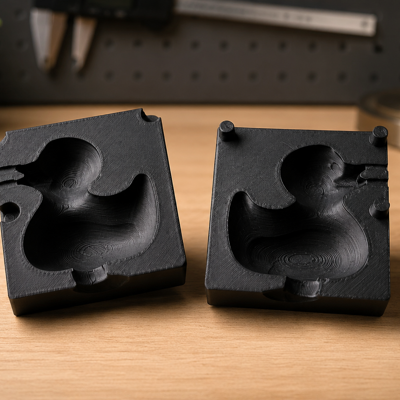
Casting Mold Generator
Build a one-part or split printable mold around a source model.
Create models in specialized generators or refine customer files. Configure print settings and calculate job costs when needed.
Create a product from scratch or prepare a customer file for printing. Choose the right tool for the job.
Build a one-part or split printable mold around a source model.
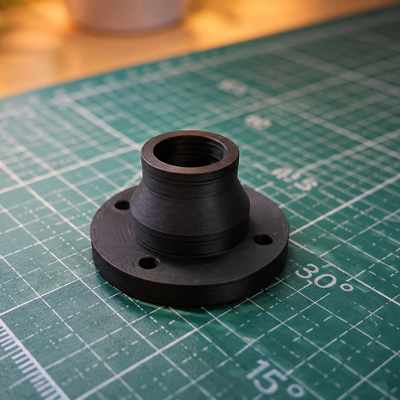
Create printable transitions between round and rectangular ports.
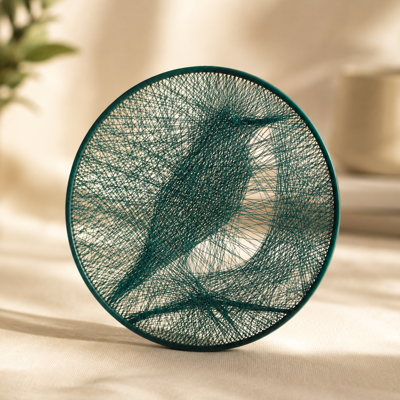
Create layered string-art paths and printable frames from a photo.
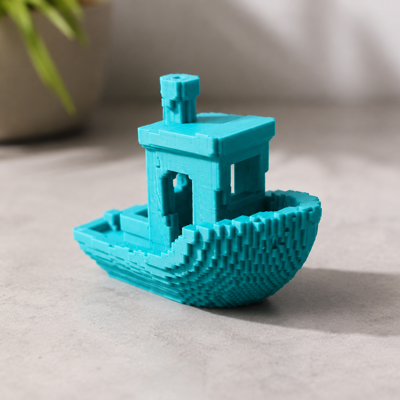
Convert a 3D model into a stylized voxel form.
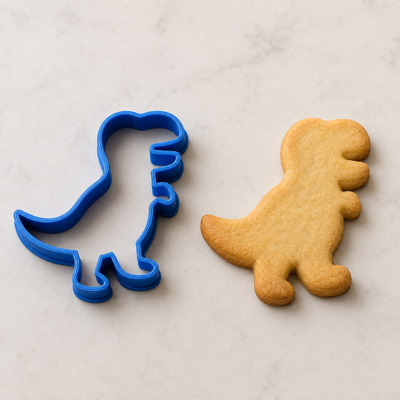
Create a printable cookie cutter from text, SVG, or a high-contrast image.
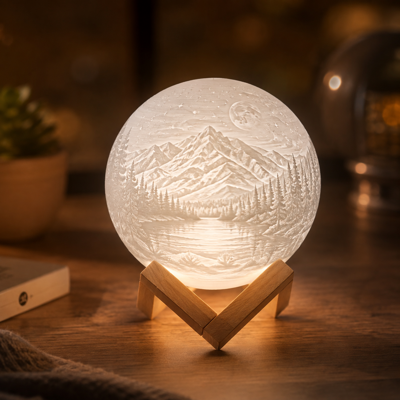
Create 3D lithophanes from photos directly in your browser. Upload an image, customize the shape, dimensions, thickness, and relief depth, preview the result in 3D, and prepare your model for 3D printing.
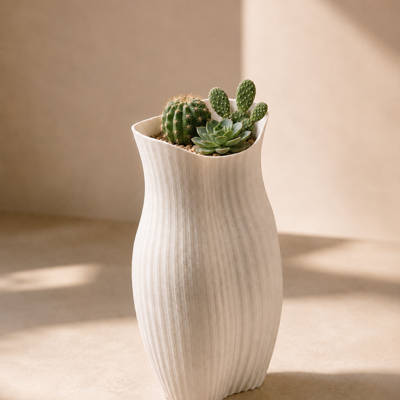
Create a configurable vase or decorative shell without CAD.
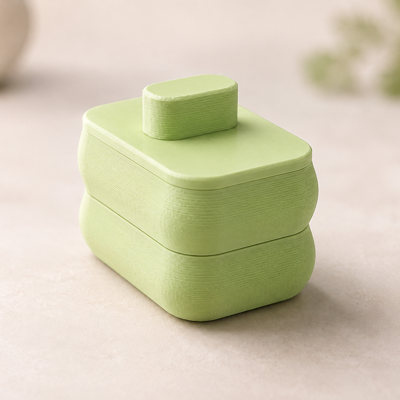
Create a box and lid with configurable dimensions, fit, dividers, and patterns.
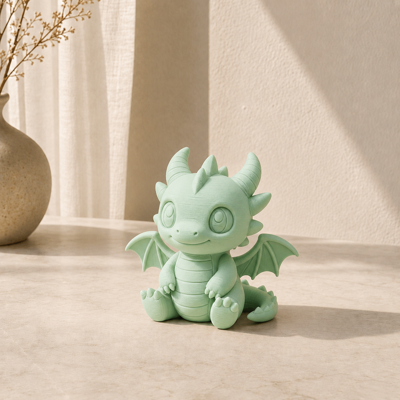
Prepare customer files, combine objects, add text, and export print-ready geometry.

Create a printable illuminated-sign enclosure from text, SVG, or an image.
Create a model from scratch, prepare a customer file and estimate a job using your own rates.
Use specialized generators for boxes, vases, signs and other products.
Upload STL, OBJ or 3MF and adjust dimensions, material and model settings.
Specify the printer, material and your rates to calculate 3D printing costs.
Choose the universal editor or a specialized generator for your task.
Create a model from scratch or upload a customer file and adjust the available settings.
Save or export the result. To calculate costs, specify your printing rates.


